
Help
Hello, world!
Speech to Text
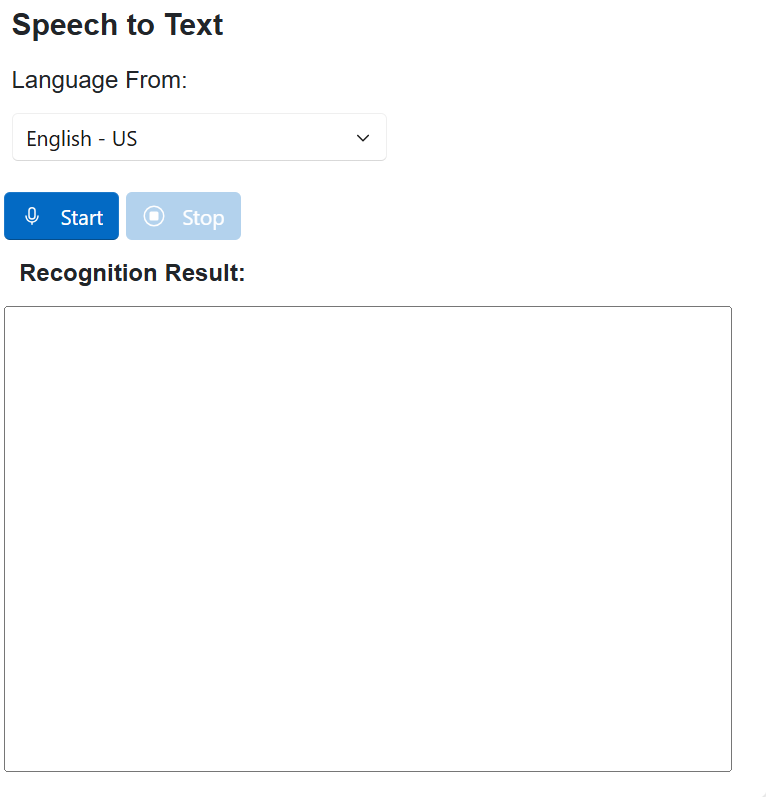
1. Select Language
2. Click
3. Text be written in the Recognition Result: text area.
4. Click
Speech Recognition & Translation
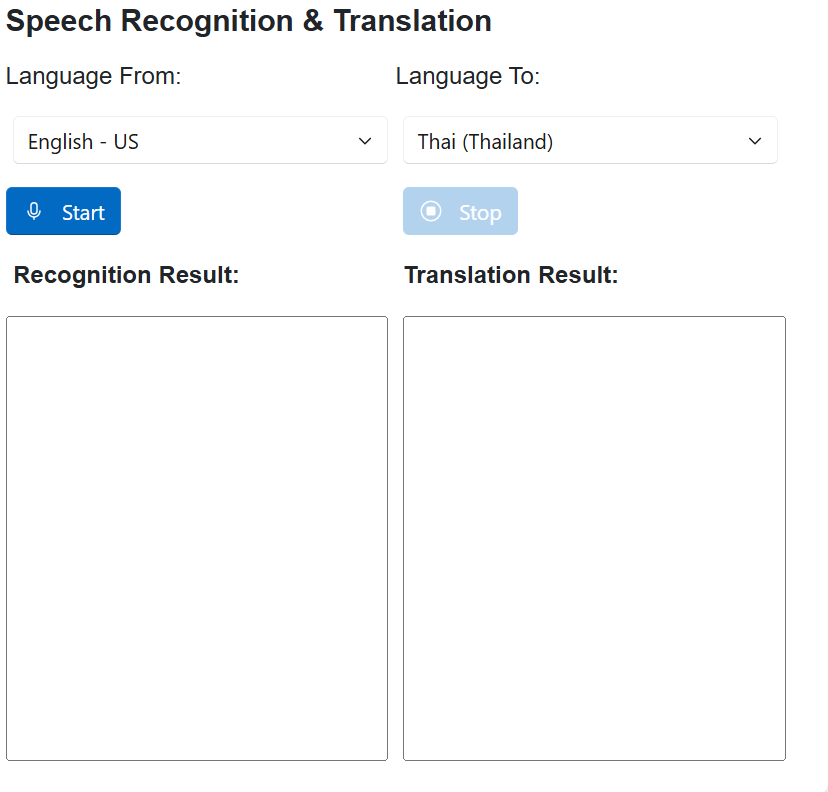
1. Select From Language
2. Select To Language
3. Click
4. Text be written in the Recognition Result: text area.
5. Translated text be written in the Translation Result: text area.
6. Click
Text to Speech
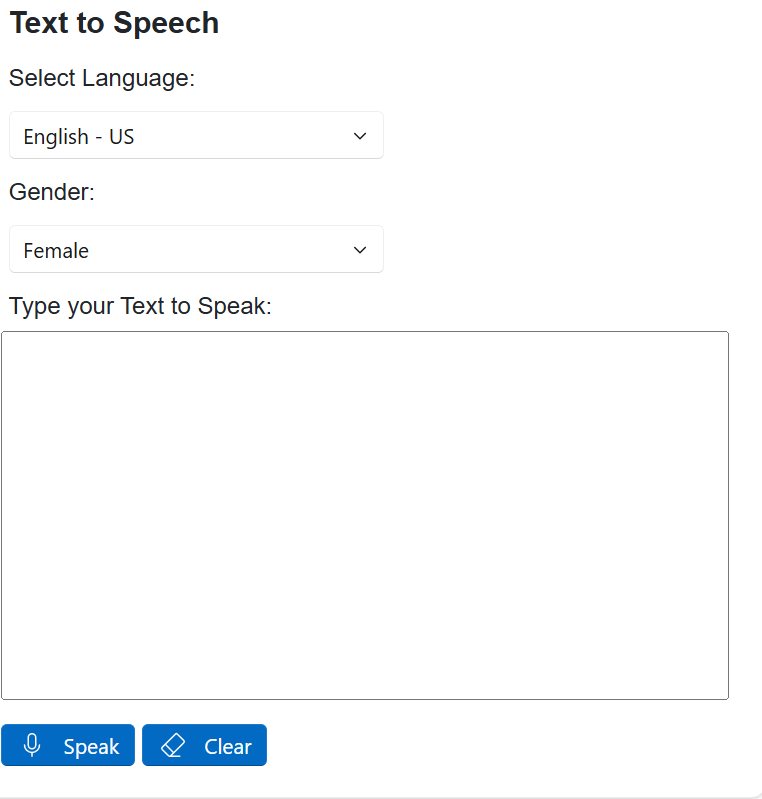
1. Select Language
2. Type text in the Text to Speak: text area
3. Click
4. The service will convert the text into speech and play it through your speakers.
Text to Translate and Speak
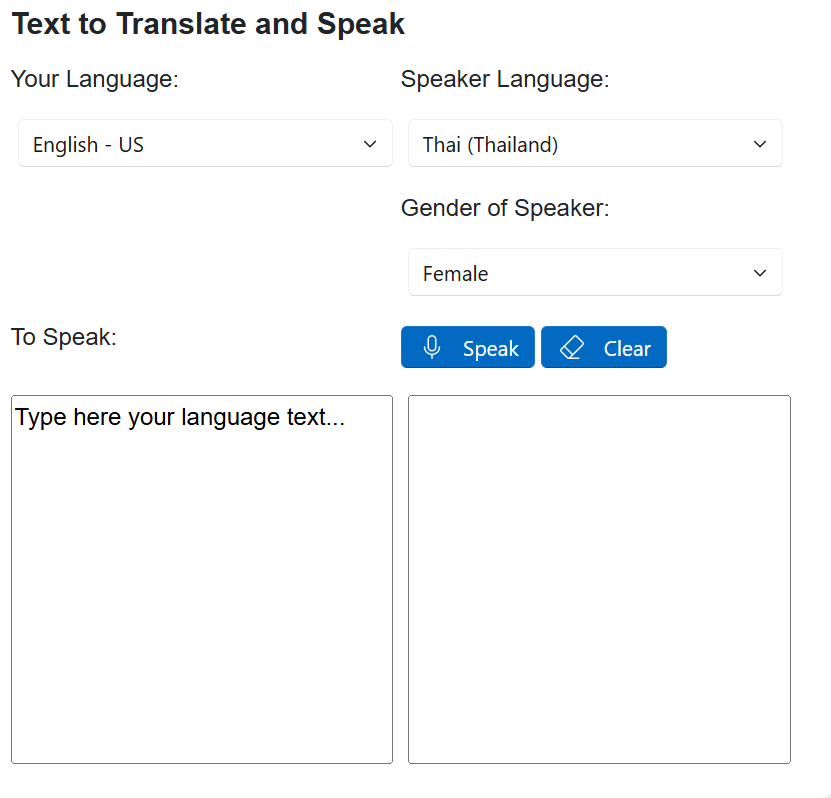
1. Select From Language
2. Select To Language
3. Type text in the Text to Translate and Speak: text area
4. Click
5. The service will convert the text into speech in the selected language and play it through your speakers.
Conversion
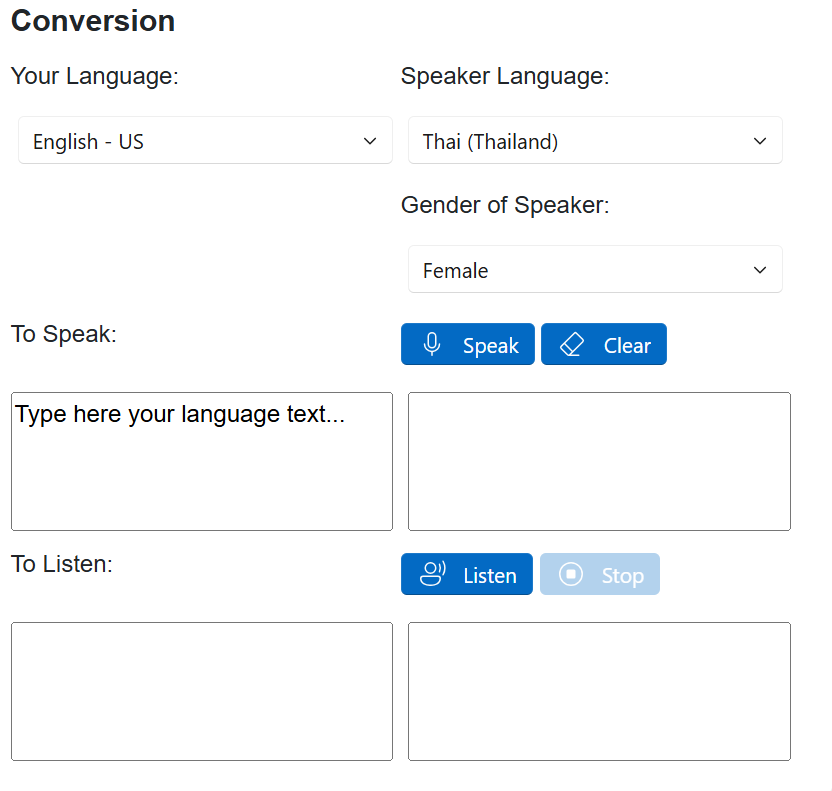
1. Select Your Language
2. Select Speaker Language
3. Type your text in the Text to Convert (Speaker's language): in text area
4. Click
5. The service will convert the text into speech in the selected speaker's language and play it through your speakers.
6. You can also click to
7. Speaker's text be written in the Recognition Result: text area.
8. Your text be written in the Translation Result: text area.